Suncraft Steam Achievements
Track village restoration milestones in the July 2026 full release.
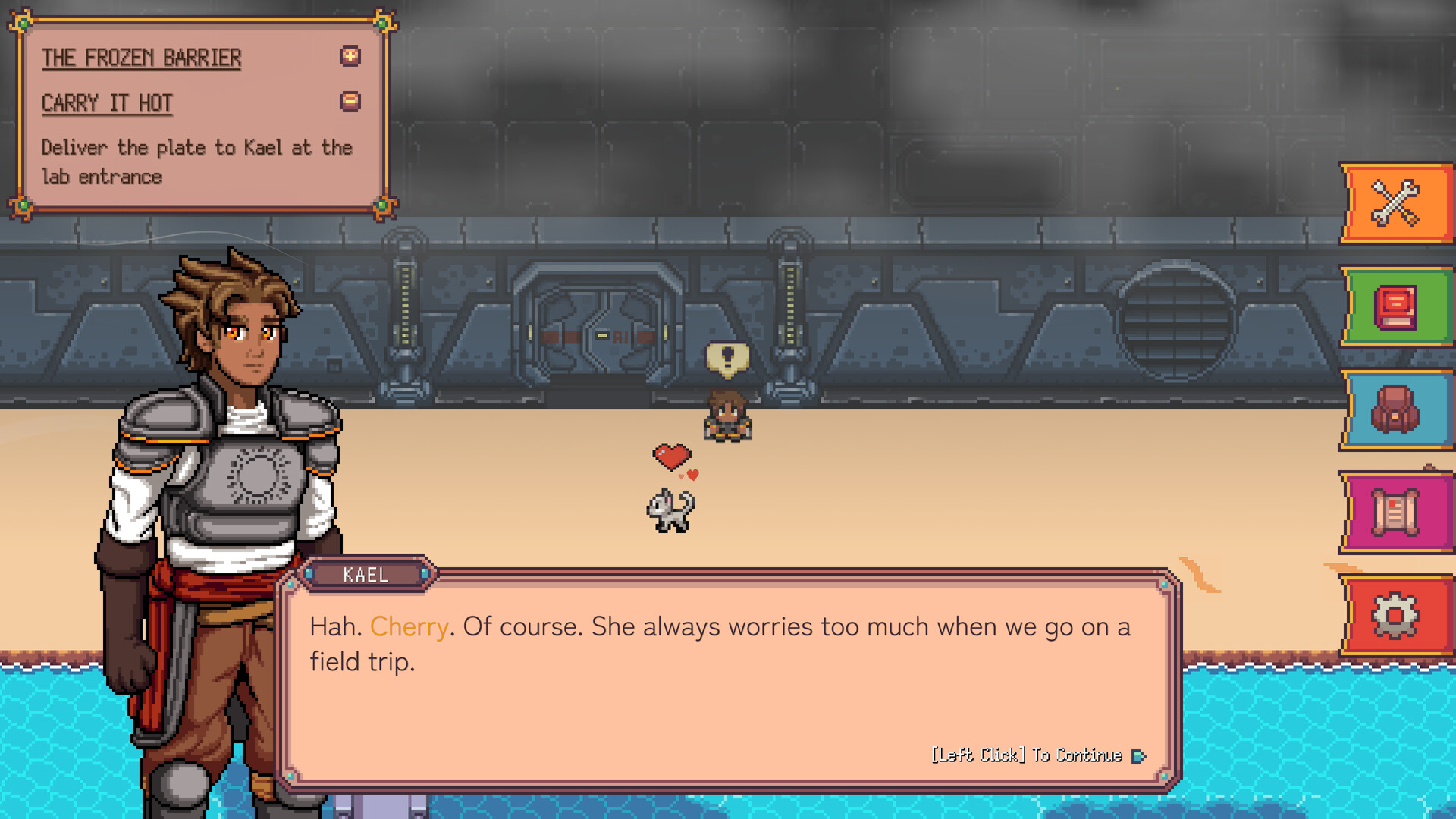
Spicy Tuna Games confirmed in Devlog #2 (July 12, 2026) that Steam achievements ship complete in the 1.0 build — a full set of goals tracking restoration progress, crafting milestones, companion unlocks, and story completion. The demo had no achievement integration, so launch week is the first time most players see the list. This guide explains how achievements interact with demo carryover, which systems they watch, and how to hunt them without spoiling late-game surprises.
Cross-reference Full Release for platform details and Endgame and Story when you approach finale-related pops.
Where to view achievements
Open the Suncraft store page in Steam, click Achievements in the sidebar, or press Shift+Tab in-game and browse the overlay list. Steam Cloud saves sync progress across PC installs — useful if you switch between Windows and Steam Deck sessions.
Achievement icons use pixel-art motifs matching village restoration themes. Hidden achievements exist for story surprises; this wiki avoids naming them to keep discovery intact.
Achievement categories (no spoilers)
Based on devlog language and standard cozy-sim patterns, expect clusters around:
- Village restoration — repairing structures, Sunspire progress, and district upgrades tied to Quest Walkthrough milestones.
- Crafting and production — smelting thresholds, multi-furnace operation, Banquet Table or serving milestones from Coins and Blueprints.
- Skill and equipment — skill tree investments, tier upgrades on the redesigned gear page (Equipment Upgrades).
- Companion and automation — Ember unlock, fuel automation, hands-off gathering covered in Automation and Ember.
- Exploration — biome unlocks, new region discovery post-demo (Map and Biomes).
- Story completion — main arc through credits; see Endgame and Story for pacing tips without hidden names.
Exact counts and names live on Steam — verify there after install because day-one hotfixes can tweak trigger conditions.
Demo save and retroactive unlocks
Imported demo progress may satisfy some achievement criteria immediately on first load — for example, structures already built or companions already recruited. Steam typically evaluates conditions when the achievement system initializes.
If an expected pop does not fire:
- Confirm you launched the full game app (4078110), not the separate demo (4595570).
- Load into the village and perform a trivial state change — deposit one item, complete a small request — to force re-evaluation.
- Check Steam overlay sync; offline mode delays pops until reconnect.
Read Demo Carryover before assuming a missing achievement means lost progress.
Suggested hunt order (minimal spoilers)
Early session:
- Finish tutorial-adjacent goals naturally via Getting Started.
- Unlock sprint and storage chests — often tied to skill milestones on Skill Priority.
Mid game:
- Complete bridge and tram quest lines; achievements often track multi-part deliveries.
- Recruit Ember and enable first automation loop.
- Earn coin milestones through requests (Coins and Blueprints).
Late game:
- Push equipment tiers before finale rush.
- Explore the new region Devlog #1 teased — exploration pops cluster there.
- Finish main story; remaining hidden achievements usually resolve during credits sequence.
Avoid achievement-chasing that skips villager dialogue — story pops sometimes require witnessing specific scenes in order.
Steam stats and leaderboards
The store page lists Stats and Steam Leaderboards alongside achievements. Stats track cumulative actions (items crafted, nodes cleared, distance traveled) even when no achievement is attached. Leaderboards may rank production or restoration metrics — check in-game for active seasons post-launch.
Stats help diagnose stuck achievements: if a crafting stat shows zero despite running furnaces, you may be using the wrong app ID or an outdated save branch.
Accessibility and achievement hunting
Suncraft 1.0 advertises Camera Comfort, Color Alternatives, Custom Volume Controls, Mouse Only Option, Playable without Timed Input, and Subtitle Options on Steam. None of these disable achievements — use them freely during hunt sessions. Controller players earn the same pops as mouse users per Devlog #2 gamepad support; see Controls for input notes.
After 100% completion
Completing every achievement does not end village optimization. Post-credits, experiment with layout efficiency via Resource Chain Planner, push Early Game Builds concepts on alt saves, or read Suncraft Review before recommending the game to friends who missed launch week.
Watch Updates hub if Spicy Tuna adds achievements in future patches — verify:strict wiki audits assume 1.0 set only.
Related pages
- Launch features: Full Release
- Save import: Demo Carryover
- Finale pacing: Endgame and Story
- NPC milestones: Villagers and Quests
Frequently Asked Questions
Quick answers to the most common questions.
Does the Suncraft demo have Steam achievements?
No. Achievements integrate in the full July 28, 2026 release. Play the main Steam app, not the separate demo client, to earn them.
Will demo saves unlock achievements on import?
Often yes for criteria already satisfied — built structures, unlocked companions, cleared quests. Some pops require new 1.0 actions after load.
Are there hidden achievements?
Yes. Steam hides story-related achievements until unlocked. This guide avoids spoiler names — discover them in-game.
Do controllers disable achievements?
No. Full gamepad support in 1.0 works with the same achievement rules as mouse play.
Where is the achievement list?
Steam store page sidebar, in-game Steam overlay, or your Steam profile under Suncraft once you own the full game.
Can I earn achievements offline?
Steam queues unlocks offline and syncs when you reconnect. Stay signed in to the correct account before launching.