Suncraft First Week Tips
Launch-week priorities for demo veterans and new players after the July 28, 2026 release.
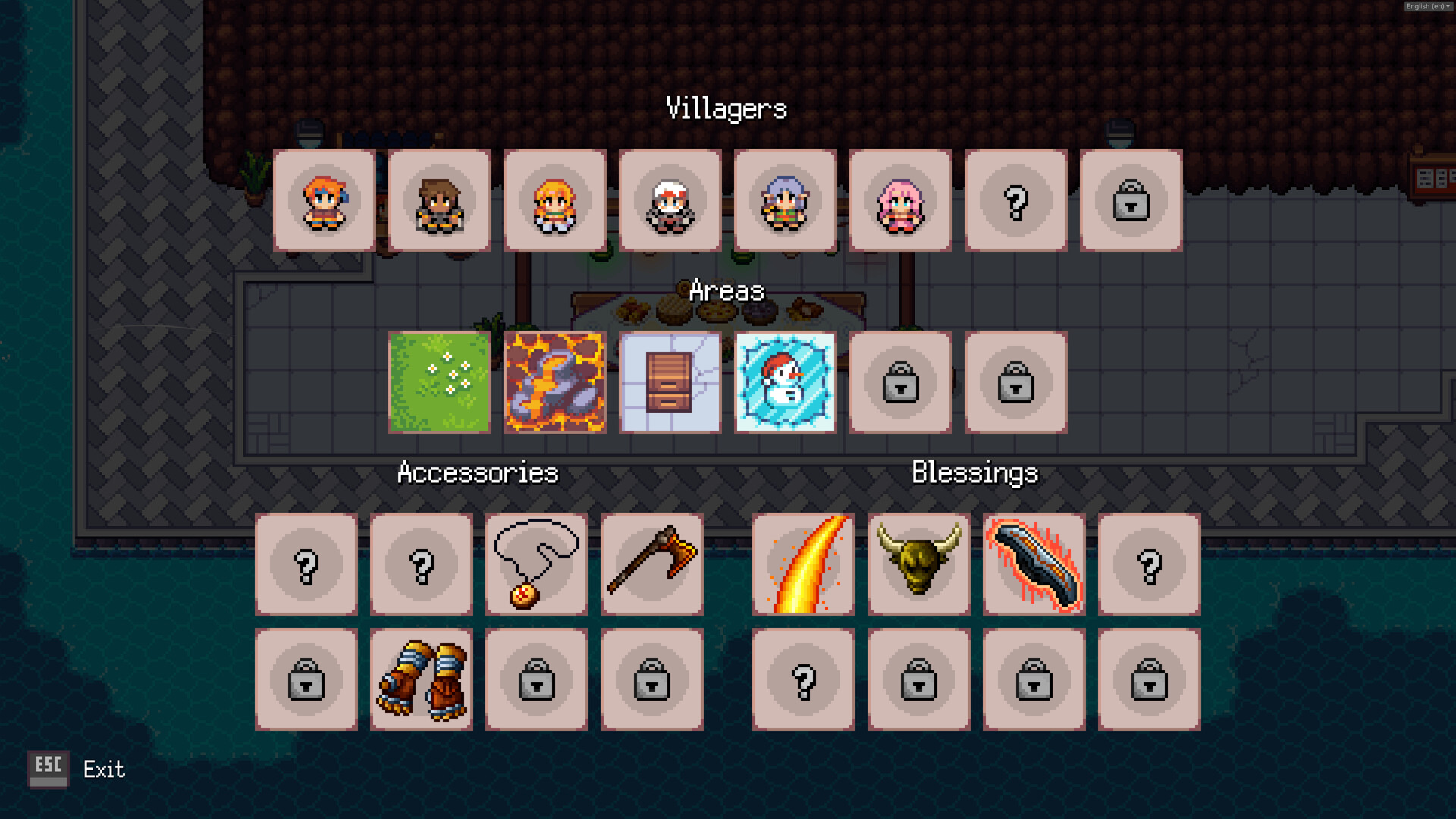
Suncraft launched on Steam July 28, 2026 — and the first seven days are when demo habits collide with full-release systems: coins, requests, the Banquet Table, Steam achievements, and story chapters beyond the public demo slice. No day-one hotfix was announced yet, but launch build balancing, equipment tiers, and controller support all landed together. This guide is the wiki first-week playbook — what to do session one through session seven without repeating Getting Started or the full Launch Day Recap.
Session zero: install the right app
| Player type | Action |
|---|---|
| Demo veteran | Launch Suncraft app 4078110, not demo 4595570 |
| New buyer | Same — or try demo first; progress carries on same Steam account |
| Returning after break | Enable Steam Cloud; read Demo Carryover |
Pin the Guides Hub and Updates Hub before your first smelt.
Days 1–2: nail the core loop
Goals: furnace online, first quest turn-in, three skill points spent, chest unlock started.
- Getting Started + Controls — gather, carry, deposit muscle memory.
- Crafting and Furnace — iron bar batch for Eric or equivalent tutorial NPC.
- Level and XP — spend points on damage or Deep Pockets, not hoarding.
- Storage and Layout — first chest beside furnace row before ground clutter spreads.
- Skill Priority — confirm spend order against your bottleneck.
Controller players: read gamepad notes in Controls — many keep mouse for node clicking until Ember automates gathering.
Days 3–4: bridge, tram prep, and economy tease
Goals: bridge quest progress, second furnace, sprint unlocked, request board spotted.
- Quest Walkthrough — bridge materials are smelted bars, not raw ore.
- Map and Biomes — do not hike peaks before bridge opens.
- Coins and Blueprints — when coins appear, buy blueprints only for active bottlenecks.
- Monuments and Blessings — activate village-outskirts statue if you pass one; blessings stack with skills.
Track Achievements pops — some fire on first restoration milestones during week one.
Days 5–7: automation and serving
Goals: Ember recruited or close, Banquet Table blueprint evaluated, parallel smelting stable.
- Automation and Ember — fuel automation before max gather automation.
- Banquet Table — build when request boards refresh faster than hand delivery.
- Equipment Upgrades — pickaxe tier two before cosmetic gear.
- Endgame and Story — skim prep section without spoiler hunting if you are story-motivated.
Use Crafting Recipes and Resource Chain Planner when tram steel and glass demands stack.
Demo import gotchas (week one)
Imported saves skip tutorial friction but hide surprises:
- Equipment page redesign — open on day one; migrate tiers (Full Release).
- Duplicate blueprints — check shop before coin-buying plans you already own.
- Skill tree shape — revamp may differ from YouTube demo videos (Skill Tree Revamp).
- Achievement retroactivity — some pop on load if criteria already met.
Screenshot skill tree and village layout before first major rearrange — good habit if hotfixes land later.
Launch-week pitfalls
- Grinding one ore line — rotate smelting XP per Level and XP.
- Ignoring requests — coins fund Banquet Table tiers.
- Skipping chests — Ember fails without Storage and Layout.
- Peak rushing — tram quest exists for a reason.
- Wiki versus Steam — confirm prices and recipes in-game after patches; we update Updates hub when balance shifts.
Accessibility and pacing
Launch build ships camera comfort, color alternatives, save anytime, subtitles, and more (Launch Day Recap). Suncraft stays combat-free — play in short cozy sessions; incremental compounding rewards consistency over marathon burns.
Nine in-game Steam languages exist; this wiki offers EN / DE / ES / PT guides via header locale buttons.
When week one ends
By day seven you should have: parallel furnaces, chest network, bridge or tram progress, first coin purchases evaluated, Ember or clear path to recruit, and a quest log pointing toward midgame biomes. Next reads: Review for pacing opinion, Villagers and Quests for NPC payers, Updates hub for any post-launch notes.
Week one is setup — Sunspire restoration accelerates once layout, automation, and economy click together.
Frequently Asked Questions
Quick answers to the most common questions.
What should I do first after buying Suncraft?
Install app 4078110, read Getting Started and Controls, smelt your first iron bars, unlock a storage chest, and spend early skill points on damage or carry capacity.
Does demo progress work in week one?
Yes. Launch the full game on the same Steam account. Demo Carryover explains what imports — village, skills, chests, and buildings.
When should I build the Banquet Table?
Usually mid first week when request boards and coins go live — after parallel furnaces and chests run reliably. See Banquet Table guide.
Are there launch-week patches?
No separate hotfix was announced for July 29, 2026. Devlog #2 bundled balancing and fixes into the 1.0 build. Watch Updates hub for new Steam posts.
How long is Suncraft week one content?
Most players finish bridge and tram prep within several sessions. Story continues well beyond week one — Endgame guide covers late arc prep.
Where is the launch day recap?
Read Launch Day Recap for July 28, 2026 press quotes, accessibility list, and milestone timeline alongside this first-week checklist.