Suncraft Fixes v1.0.1
July 31, 2026 hotfix: clearer text, smoother caves, faster Obsidian, and mouse-friendly panel closes.
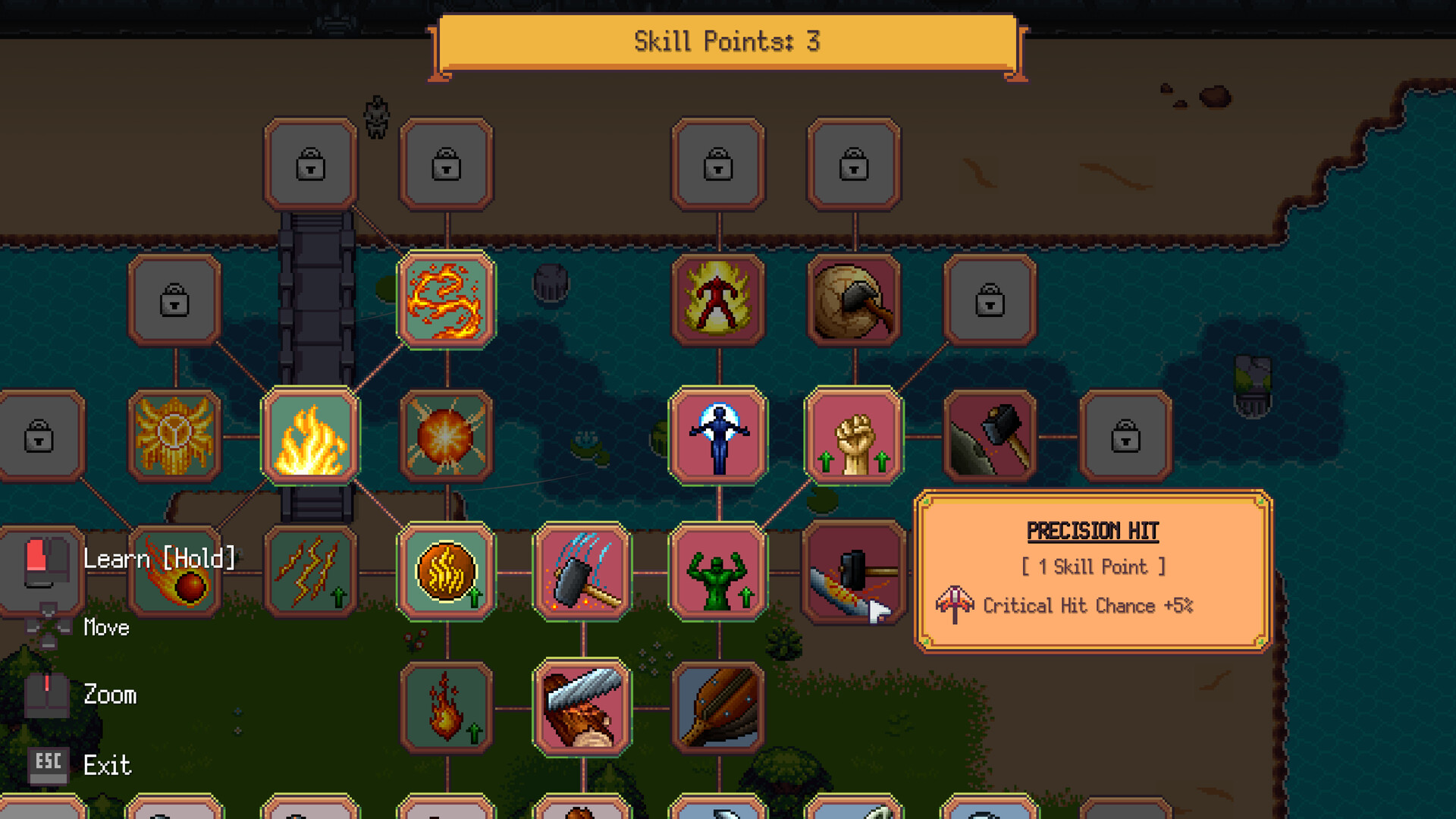
Suncraft Fixes v1.0.1 shipped on July 31, 2026 — three days after the July 28 full release. Spicy Tuna Games called it a small update focused on bug fixes and quality-of-life polish rather than new story content. If you play on ultrawide monitors, mine Obsidian, or use a mouse-only layout, this patch is the one that quietly improves your daily loop.
Pair this page with Full Release for the 1.0 feature list and Launch Day Recap for day-one install notes. Cave and Obsidian tips also appear in Mines and Caves.
Patch snapshot
| Detail | Info |
|---|---|
| Version | Fixes v1.0.1 |
| Date | July 31, 2026 |
| Type | Hotfix / QoL |
| Source | Steam Community announcement from Spicy Tuna Games |
Steam news feed: Suncraft community news.
Bug fixes
Corrupted text on some language setups
Quest titles, character names, and menu text could appear garbled on devices set to certain system languages (Turkish was called out explicitly). Text now displays correctly regardless of your system language.
Who cares: anyone who saw mojibake or broken glyphs in UI after launch, especially when the OS locale differed from the in-game language pack. The game still ships nine in-game languages; this fix targets rendering/encoding mismatches, not wiki localization.
Ultrawide cave camera jitter
Inside the cave, ultrawide displays could show camera jitter. v1.0.1 stabilizes the cave camera so mining sessions feel steady on 21:9 and similar aspect ratios.
Smoother cave entry
Entering the cave no longer shows a visible camera slide into position. The camera settles cleanly right away, which pairs with the ultrawide fix for a less distracting transition into gem and gear farming — see Mines and Caves.
Quality of life
Close (X) buttons on Skill Tree and Equipment panels
Spicy Tuna added a close (X) button to the Skill Tree and Equipment panels so mouse-only players can dismiss UI without hunting keyboard shortcuts. This supports the mouse-first gathering loop described in Controls while still keeping full controller support from 1.0.
Use it after spending points via Skill Priority or checking tiers on Equipment Upgrades.
Faster Obsidian rock scanning
Breaking Obsidian rocks now takes less effort — they are scanned faster. Midgame players who farm Obsidian for late crafting or quest gates should notice shorter node clear times. Combine with damage multipliers from the Skill Tree Guide and gear tiers from the mines.
Audio balance pass
A handful of loud or imbalanced sound effects were toned down. Cozy sessions stay cozy; furnace and gather feedback should feel less piercing during long smelting runs.
What this patch does not change
- No new biomes, quests, or story chapters
- No coin economy redesign
- No Ember behavior rewrite (automation still follows Automation and Ember and Ghosts and Helpers)
- No change to Demo Carryover rules
Player checklist after updating
- Confirm Steam shows v1.0.1 (or later) in the library properties.
- If you saw garbled quest text, reopen the journal — titles and names should render cleanly.
- Enter the cave once on your usual resolution; camera should settle without jitter on ultrawide.
- Try the new X close on Skill Tree / Equipment after a quick spend.
- Revisit Obsidian nodes if you were mid-farm — clear times should feel snappier.
How this wiki reacts
We keep small hotfixes on dedicated pages when they touch search-heavy systems (caves, Obsidian, UI). Larger feature drops stay on Full Release and the Updates Hub. Tier lists and recipe tools only change when balance numbers move; v1.0.1 is primarily comfort and correctness.
Related reading
- Updates Hub — timeline and routing
- Mines and Caves — cave farming after the camera polish
- First Week Tips — launch-week plan including this hotfix window
- Controls — mouse and gamepad input
- Official Discord for live bug reports: linked from Official Links
Frequently Asked Questions
Quick answers to the most common questions.
When did Suncraft v1.0.1 release?
July 31, 2026 on Steam, three days after the July 28 full release.
Does v1.0.1 add new content?
No. It is a bugfix and quality-of-life patch: language text, cave camera, Obsidian speed, UI close buttons, and audio balance.
Why was my quest text garbled?
Some system language setups corrupted quest titles, names, and menus. v1.0.1 makes text display correctly regardless of OS language.
I play ultrawide — what changed?
Cave camera jitter is fixed, and cave entry no longer shows a sliding camera settle.
Where is the Skill Tree close button?
Open the Skill Tree or Equipment panel and use the new X button to close — added for mouse-only playstyles.
Did Obsidian mining get buffed?
Yes for comfort: Obsidian rocks require less effort and scan faster. Pair with skill damage and mine gear upgrades.