Suncraft Demo Save Carryover Guide
Keep your village, skills, and structures when upgrading from demo to full game.
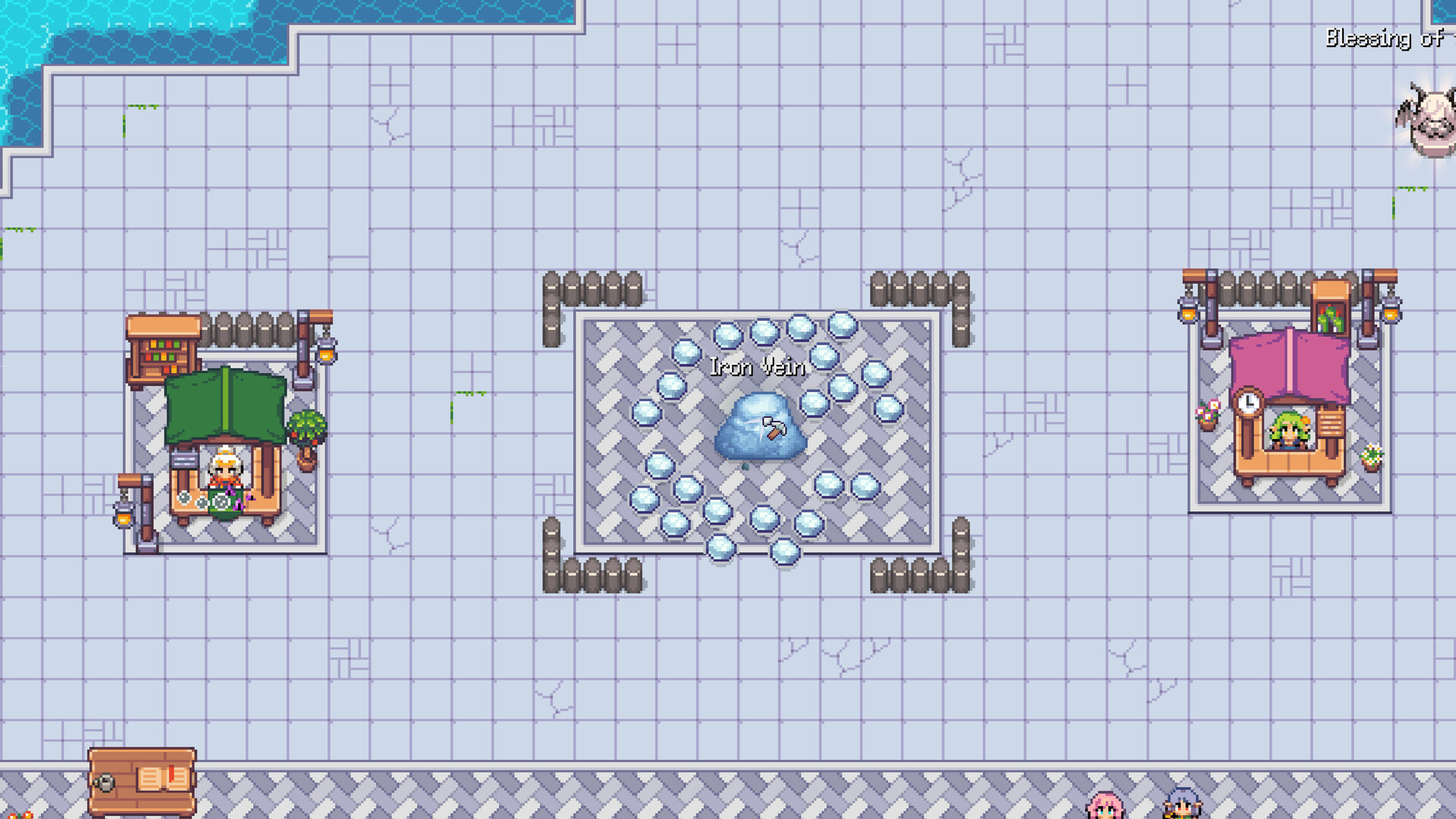
Spicy Tuna Games confirmed on the Suncraft Demo Steam page that progress from the demo carries over to the full release. Any village restoration, skill tree points, structures, and inventory milestones you earned in the April 2026 demo—or updated demo builds with the skill tree revamp—should import when you launch Suncraft 1.0 on July 28, 2026 instead of the separate demo executable.
This guide explains what carryover means in practice, how to avoid launching the wrong app, and which post-import steps align with full-release systems like upgradeable equipment tiers, coins, and expanded story areas documented in Full Release.
Official carryover statement
The demo store listing states: “Your progress matters. Any progress you make and the village you begin to rebuild in this demo will carry over to the full release.” That is the developer promise—not a third-party rumor. Still verify on launch day because Steam app IDs differ between demo and full game.
- Full game: Suncraft (app 4078110)
- Demo: Suncraft Demo (separate listing)
Install and launch the full game library entry after release to continue your save.
What typically carries over
Based on demo scope and developer messaging, expect these elements to persist:
Village structures and layout
Furnaces, chests, bridges, shelves, and other placed buildings remain where you constructed them. Compact furnace corridors from Early Game Builds still work—do not demolish working districts on launch day unless quests require moves.
Skill tree progress
Points spent on automation, Ember skills, Deep Pockets, damage multiplier, storage chests, and sprint remain allocated per the revamp tree (Skill Tree Revamp). Unspent points stay unspent—good for following Skill Priority if you hoarded XP.
Companion and story state
If Ember already joined your demo save, automation behavior should resume in 1.0. Quest flags completed in demo should skip repeat dialogue—though new full-release chapters pick up after demo end content.
Inventory and stockpiles
Materials in chests and player inventory import—valuable for tram-phase planks, iron bars, glass, and steel prep (Crafting Recipes). Avoid duplicative bulk crafting launch night if chests already hold bars.
What may change on import
Full release is not a byte-identical demo executable. Prepare for these adjustments:
Equipment page migration
The redesigned equipment page with upgradeable tiers may remap old tools to tier tracks. Open equipment immediately after first load and upgrade along Equipment Upgrades paths—do not re-craft deprecated items if UI shows migration.
New systems unlocked
Coins, requests, Banquet Table, achievements, and new areas appear as progression gates allow—even if your demo save was “complete.” Explore NPC boards and map edges before assuming credits.
Balance patches
Devlog #2 mentioned optimization and balancing in the 1.0 build. Smelt times, coal costs, or skill prices might differ slightly from last demo patch—check Updates hub if numbers feel off.
Step-by-step launch day checklist
- Update both apps — Let Steam finish demo and full game updates.
- Launch Suncraft (full) — Not Suncraft Demo.
- Confirm village layout — Walk furnace district; verify Ember pathing.
- Open equipment screen — Resolve tier migration prompts.
- Scan quest log — New chapters may appear instantly post-import.
- Visit new map icons — Full release areas from Devlog #2.
- Adjust plans — Use Resource Chain Planner only if new quests stress production.
Common carryover questions from demo players
“I finished demo content—do I still benefit?” Yes. You skip early grind and enter new story with stockpiles and skills intact—ideal for day-one Sunspire push.
“I barely started—should I wait for full game?” Demo remains valid try-before-buy. Short demo sessions carry too; you lose nothing by experimenting.
“Playtest vs demo saves?” Playtest was earlier. If you only played playtest builds, confirm which app holds your save in Steam—carryover messaging targeted public demo players primarily.
“Skill tree looked different after February update?” Revamp applied inside demo builds. Old static boosts replaced—read Skill Tree Revamp if returning after months away.
When carryover might fail
If village resets entirely:
- Confirm you launched full game, not demo fresh save slot.
- Check Steam cloud sync icons—wait for upload/download before switching PCs.
- Verify same Steam account owns both apps.
- Report to Spicy Tuna Discord/feedback linked from Steam if cloud mismatch persists.
This wiki cannot restore saves—escalate to official support with platform details.
Optimizing an imported save
Carryover players skip Getting Started onboarding but should still read:
- Full Release for 1.0 features demo lacked
- Skill Priority if unspent points accumulated
- Crafting Recipes when new bundles differ from demo finale
Avoid rebuilding working automation to chase theoretical optimal layouts—incremental games reward continuity.
Future demo updates after full launch
Steam may keep demo as onboarding slice for new players. Demo updates might lag full game balance. Your canonical save lives in full Suncraft post-purchase—treat demo as archive or friend referral tool only.
Frequently Asked Questions
Quick answers to the most common questions.
Does demo progress carry to full release automatically?
Yes per official demo page text—launch the full Suncraft app on the same Steam account after July 28, 2026 release.
Do I need to buy the full game if I only own the demo?
Yes. Demo is free; full release is a separate purchase. Carryover applies after you own and launch the paid app.
Will my furnaces and chests stay placed?
Expected yes—village structures are core to carryover promise. Verify layout on first load.
Are skill points refunded because of the revamp?
No widespread refund announced. Revamp applied inside demo; spent points stay spent on new nodes.
Can I start fresh instead of importing?
Usually via new save slot or explicit new game prompt—check in-game menus on launch without deleting demo app.
Does Mac or Linux carryover differ from Windows?
Same Steam cloud account logic applies across supported platforms—sync before switching OS.